
How to Get Internet in Thailand
Staying connected in Thailand makes your trip smoother, safer and a lot more enjoyable. From ordering food to navigating Bangkok’s tiny sois, from booking rides to checking ferry schedules, having mobile data is something you will use every single day. Public WiFi is available in some places but it is not reliable enough for travellers and often requires registration. A local SIM card is simply the easiest way to move around the country without stress.
Tips Overview
Contents
Internet in Thailand: Everything You Need to Know Before You Land
Why a Local Thai SIM Card Changes Your Entire Trip
The moment you land in Thailand you will notice that almost everything works through your phone. You need internet for ride hailing apps like Grab and Bolt, maps to find your hotel, translation tools to communicate, mobile payments in shops and even simple things like checking opening times of restaurants or scanning QR menus. A SIM card saves you time and avoids the frustration of always searching for WiFi.
Getting one at the airport is the most convenient option because it takes less than five minutes and the staff will set it up for you. No need to find a shop in the city, no need to deal with language barriers and no need to worry about not having a connection during your first few hours in the country.
Physical SIM vs eSIM in Thailand: Which One Should You Get?
Both options work well in Thailand. The choice depends on how you prefer to travel.
Physical SIM
This is the traditional option. You buy it at the airport or in a telecom shop, show your passport and the staff installs it for you. It is simple and fast. If something does not work, there is always a counter you can return to.
Physical SIMs are ideal if you are staying longer, want help with setup or prefer having a local number immediately active.
eSIM
An eSIM is activated digitally before or after arrival. No plastic card, no swapping trays. You scan a QR code and connect within minutes.
It works well if your phone supports eSIM and you want to land with internet already active. It is also convenient if you want to keep your home SIM inside your phone.
X days vs long stay
• Short trip (3–7 days) → eSIM recommended
• Mid trip (1–3 weeks) → Physical SIM works well
• Long stay (1+ month) → Local SIM + app management
Best Mobile Network in Thailand: AIS, True or DTAC — Which to Choose
Thailand has three big mobile providers: AIS, True and DTAC. All work well, but AIS offers the strongest and most stable coverage, especially if you plan to travel outside Bangkok to islands or the north. This is why we recommend sticking with AIS for your trip.
Even in remote areas like Koh Phangan, Chiang Rai or small beach towns in the south, AIS usually has the fastest signal. For travellers who move around a lot it is the most reliable choice.
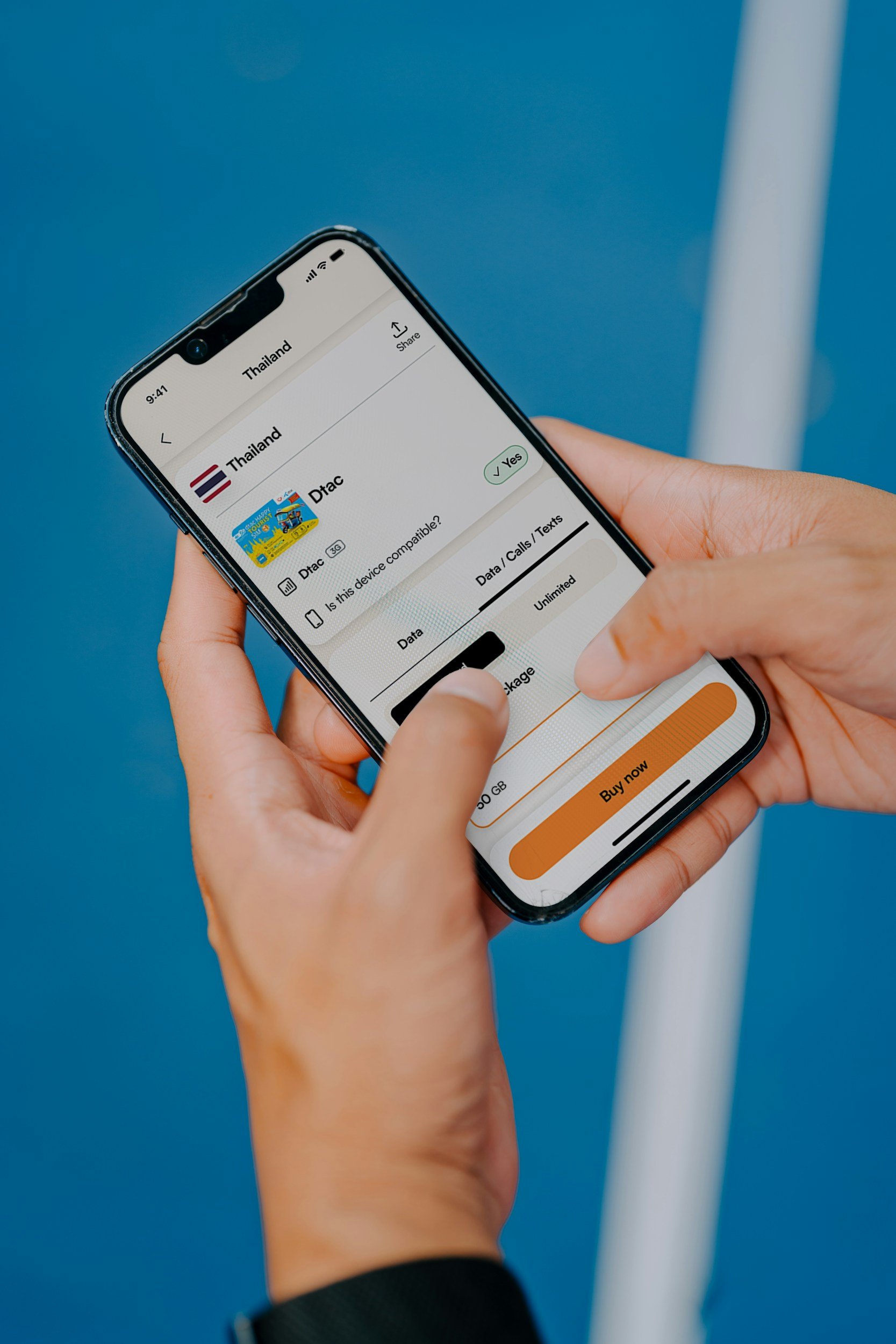
What to Buy at Bangkok Airport: The Smarter Way to Get a Tourist SIM
When you arrive you will see “Tourist SIM” counters in the arrival hall. They offer different packages, usually a 3-day, 7-day or 15-day tourist SIM. The staff will insert the SIM, activate it and make sure everything works before you walk away.
Many travellers buy the 7-day SIM because it seems easier but here is the secret most people do not know:
Start with the cheapest 3-day Tourist SIM.
Why? Because once the SIM is activated, you can use the AIS App to top up and buy new data packages directly and they are much cheaper inside the app than at the airport.
The 7-day tourist SIM at the airport is usually overpriced. Inside the AIS App you can choose flexible plans, adjust your data and pay local rates instead of tourist rates.
How to Use the AIS App to Manage Data and Pay Local Rates Instead of Tourist Prices
Once your SIM is active, download the AIS App from the App Store or Google Play. The app usually detects your number automatically and connects to your account within minutes.
Inside the app you can top up credit, activate local data packages, check how much data you have left and extend your plan anytime. Prices in the app are often lower than tourist counter packages, so it is worth checking before buying anything at the airport.
Payment is simple. You can use a credit card directly in the app or buy a physical top up card at any 7 Eleven and redeem it there.
If you plan to travel beyond Thailand, AIS also offers roaming packages across Asia and worldwide. Always check rates in the app before activating, as they vary depending on the country.
Once installed, the app gives you full control. No need to visit a shop again.
What You Need to Buy a SIM Card in Thailand
You must show your passport. Thailand requires passport registration for every SIM card purchase. Without it, shops are not allowed to activate the SIM for you.
At the airport this process is done within seconds. In the city it takes a bit longer, which is why buying at the airport is more convenient.
Where Does Your Thai SIM Card Work? Coverage Across Bangkok, Islands and Beyond
Your SIM card will work everywhere in the country. Bangkok, Phuket, Koh Samui, Chiang Mai, Pai, Koh Phangan, tiny islands, villages, mountains and even on long bus rides across the country. Coverage is surprisingly strong in places where you would not expect it, especially with AIS.
Veloura Tips
Use Data as Your Travel Tool, Not Just Internet Once connected, download what actually matters. Grab, Bolt, Google Maps offline areas, 12Go for trains and ferries, Line for local communication. Your SIM is not just for scrolling. It becomes your navigation system, transport assistant and translation tool across the country.
Keep Your Thai Number for Future Trips If you plan to return to Thailand, do not throw your SIM away. Many numbers can be kept active with a small top up every few months. Having a Thai number makes booking apartments, deliveries and local services much easier next time. It shifts you from visitor to returning guest.
Use Your Thai Number for Deliveries and Reservations Many restaurants, small hotels, ferry operators and local services prefer a Thai number. Some will not confirm bookings without one. Food delivery apps, laundry pickups, scooter rentals and even repair services often require local contact. Having a Thai number makes you easier to reach and taken more seriously. It removes friction in situations where WhatsApp or foreign numbers sometimes create delays.
Frequently Asked Questions: Internet and SIM Cards in Thailand
What is the best SIM card for tourists in Thailand?
AIS offers the strongest and most reliable coverage across Thailand, making it the best choice for most travelers — particularly those moving between cities, islands, and rural areas. It consistently has the fastest signal even in places like Koh Phangan, Koh Samui, Chiang Rai, and remote northern villages where other providers can be weak. The most practical approach is to buy the cheapest 3-day Tourist SIM at the airport, then use the AIS app to top up with local data packages at significantly lower rates than airport tourist bundles.
Can I buy a SIM card at Bangkok Airport?
Yes — both Suvarnabhumi (BKK) and Don Mueang (DMK) airports have telecom counters in the arrivals hall where you can buy a Tourist SIM card immediately after landing. The process takes less than five minutes. Staff will insert the SIM, activate it, and confirm everything is working before you leave the counter. You must show your passport as Thailand requires passport registration for all SIM purchases. Buying at the airport is the most convenient option — you leave with internet already active and no need to find a shop in the city.
Should I get an eSIM or physical SIM for Thailand?
Both work well — the right choice depends on your trip length and phone. For short trips of 3–7 days, an eSIM is convenient because you can activate it before you land and arrive with data already working. For stays of one to three weeks, a physical SIM bought at the airport is straightforward and easy to manage. For longer stays of a month or more, a local physical SIM combined with the AIS app for managing packages and top-ups gives you the most flexibility at the best rates. Note that eSIM requires a compatible phone — check before you travel.
Which mobile network is best in Thailand — AIS, True or DTAC?
AIS is generally considered the best network in Thailand for travelers, particularly outside of Bangkok. Its coverage is the most consistent across islands like Koh Phangan and Koh Samui, northern regions like Chiang Mai and Chiang Rai, and rural areas where True and DTAC can be unreliable. True Move is a strong alternative in Bangkok and major cities. DTAC merged with True in 2023, so coverage maps are changing. For travelers who move around the country, AIS is the safest choice for consistent connectivity throughout the trip.
How much does a SIM card cost in Thailand?
Tourist SIM cards at the airport typically cost between 300–600 THB depending on the data package and duration (3-day, 7-day, or 15-day options). The key insight most travelers miss: airport tourist packages are significantly more expensive per day than what you can buy through the AIS app once your SIM is active. The smart approach is to buy the cheapest 3-day Tourist SIM at the airport, then use the AIS app to top up with local packages at much lower rates. Data plans inside the app can run as low as 100–200 THB for 7 days of usable data.
Does mobile internet work on Koh Phangan?
Yes — mobile internet works well across most of Koh Phangan, including the main areas of Thong Sala, Sri Thanu, Haad Yao, and Chaloklum. AIS has the strongest and most reliable signal on the island. Some more remote areas — particularly Bottle Beach and certain spots on the east coast — have limited or no signal, which is part of what makes those places feel genuinely disconnected. For everyday island use including Grab, maps, food apps, and messaging, a Thai SIM with AIS coverage works reliably across the most frequented parts of the island.
What apps should I download for traveling in Thailand?
The most essential apps for traveling in Thailand: Grab and Bolt for ride hailing in Bangkok and major cities. Google Maps for navigation, with offline maps downloaded for areas with limited signal. 12Go Asia for booking trains, buses, and ferries. Line for local communication — widely used by Thai businesses for reservations and coordination. AIS App for managing your data plan and topping up. Google Translate for menus, signs, and communication in local restaurants and shops. Having these installed and set up before you arrive means your phone immediately becomes a full navigation and logistics tool from the moment you land.
For more practical travel guides to Thailand, visit veloura-gems.com.
Veloura App
There is more to explore.
Bangkok, Koh Phangan and Northern Thailand, beyond the obvious.
